
Google Ads Updates November 2026: What Changed and What to Do
By Muhammad Tayyab, Top Rated Google Ads Expert · Updated November 2026
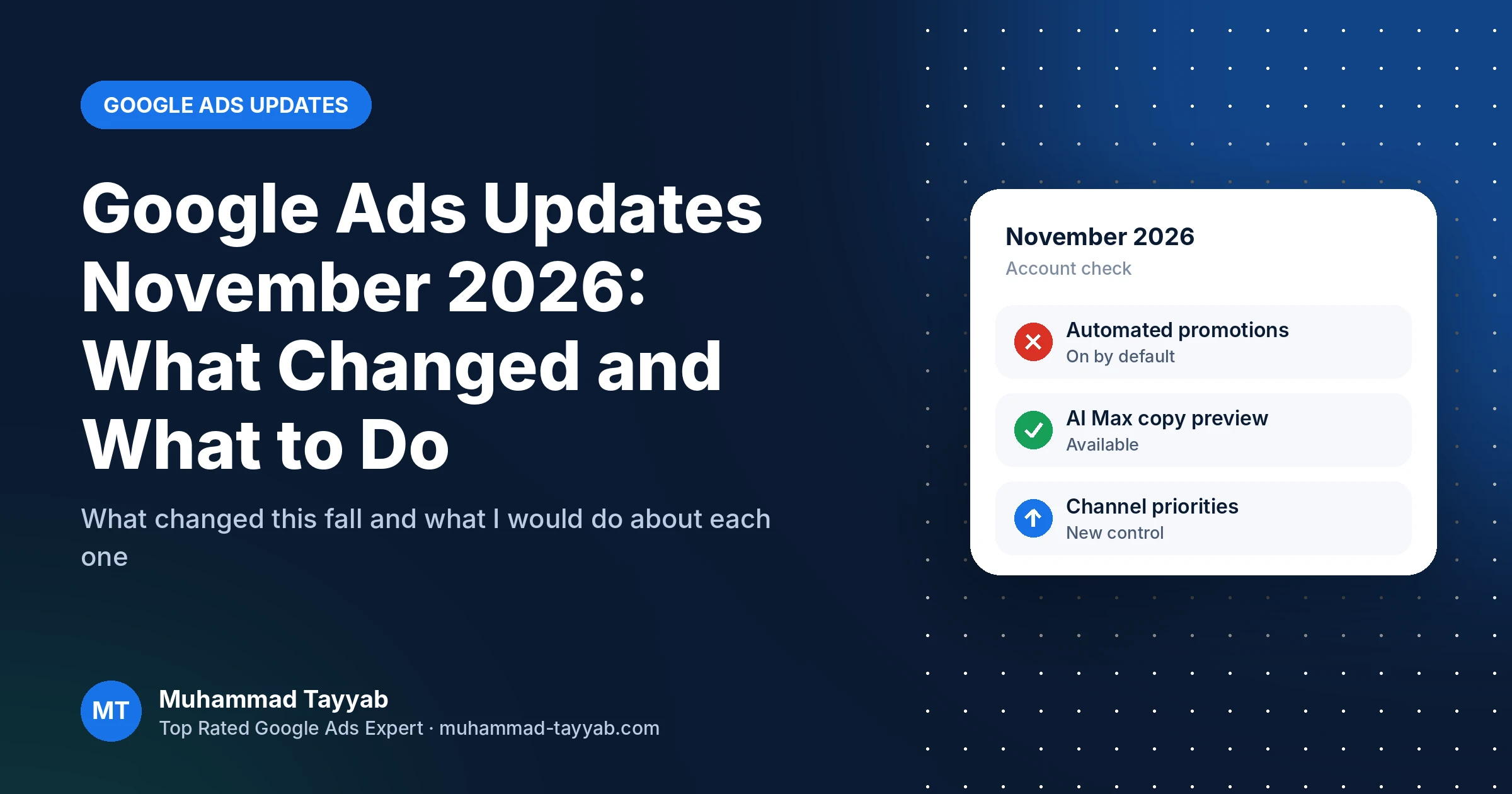
Quick answer: the biggest Google Ads updates heading into the November 2026 holiday season are: website promotions auto-added to your ads, AI Max copy previews and a new search terms + ad combinations report, budget priority controls across campaign types, Smart Bidding Exploration for Shopping and Performance Max, new customer retention goals, Performance Max pulling videos and images automatically, and Data Manager no longer requiring pre-hashed data from November 16. Several of these are switched on by default, so check your account.
Every month I go through the changes Google rolls out and check what they mean for my clients’ accounts. This roundup is that list, in plain English, with what I’d actually do about each one.
Google Ads updates for Search campaigns
Automated promotions from your website
Since October 12, 2026, Google can scan your website for deals and coupons and add them as promotion assets to eligible Search and Performance Max campaigns. It applies to campaigns with location assets and no manual promotion asset. What I’d do: remove expired offers from your site, add your own promotion assets where you want control, or switch automated promotions off at account level.
AI Max copy preview and better reporting
You can now preview up to 10 AI-written headlines and descriptions before keeping text customization on. In addition, a new report shows which search term, ad text and landing page served together. What I’d do: open the report, sort by cost, and fix any pairing that doesn’t make sense. My AI Max for Search guide has the full checklist.
AI-generated review summaries in Search ads
Google has started showing short AI summaries of what customers like about a business in some Search ads, in markets including the US, UK, Australia and India. What I’d do: keep your reviews healthy, because you don’t write this text.
Google Ads updates for bidding and budgets
Channel priority and budget controls
Advertisers can now mark Search, Shopping, Performance Max and Demand Gen campaigns as high or low priority, and cap how much budget low-priority channels receive. What I’d do: make your best-performing campaign type high priority and confirm it isn’t limited by budget.
Smart Bidding Exploration for Shopping and Performance Max
Exploration lets Google go slightly below your ROAS target to find new converting searches. It’s now available for Shopping and Performance Max with a product feed. What I’d do: test it only on stable campaigns that aren’t budget-limited.
Learning period clarified
Google updated its documentation to say the Smart Bidding learning status lasts up to about 7 days, and normal budget or target changes don’t restart it. That’s useful news for anyone afraid to touch campaigns during the holidays.
Customer lifecycle goals
New customer “high value” mode now works for Shopping, and retention modes for re-engaging lapsed customers or loyalty members are available across Search, Shopping and Performance Max. What I’d do: check your customer lists are labeled correctly first.
Performance Max and Demand Gen updates
- Sourced videos and landing page images: Performance Max can now pull videos from your channels and images from your website into asset groups. Some of these settings may already be on. Review your assets before peak season.
- Image extraction default: Google has announced that from December 4, 2026, image extraction will be on by default for new Performance Max campaigns.
- Asset experiments: you can now A/B test asset groups in Performance Max.
- Demand Gen video changes: text overlays on videos are on by default, and the video engagement threshold moved from 5 to 10 seconds, so engagement numbers drop without any real change in performance.
Measurement and data updates
- Data Manager: from November 16, 2026, Google no longer requires pre-hashed uploads for customer data. If you built a custom upload with hashing, check it still works. More in my enhanced conversions setup guide.
- Self-serve Conversion Lift: larger advertisers can now run incrementality tests for Search and Performance Max without a Google rep.
- Customer Match: new identifiers, including IP addresses and timestamps, have been added, with restrictions in the EEA, UK and Switzerland.
What I’d do this week
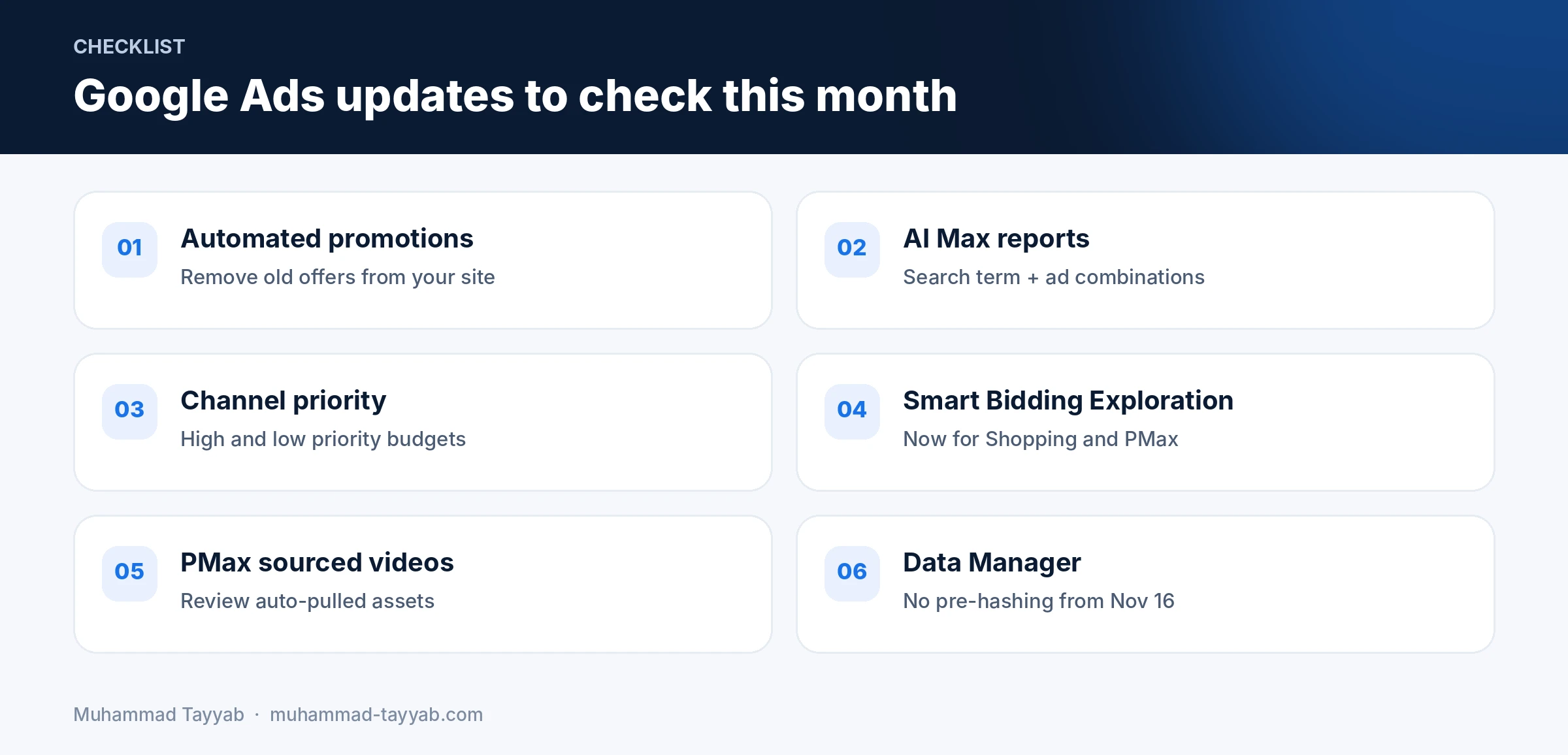
- Check automated promotions and remove old offers from your website.
- Review AI Max copy and the new search term + ad combination report.
- Audit Performance Max asset settings, especially sourced videos.
- Set channel priorities before holiday budgets go up.
- Annotate your reports for the Demand Gen engagement change.
For a running list, Google publishes product news on its Ads & Commerce blog.
Need hands-on help? I offer a free $600 Google Ads audit delivered in 1 day and all my Google Ads and Meta Ads services, for businesses in the US, UK, Canada and Australia. See all services →
Frequently asked questions
Which update matters most for small businesses?
Automated promotions and AI Max. Both can change what your ads say without you writing it, so review them first.
Do I have to turn these features on?
Some are on by default and some are optional. The safest habit is a monthly check of your account-level automated asset settings and each campaign’s AI Max and asset settings.
Want these changes checked in your account?
I’m Muhammad Tayyab, a Top Rated Google Ads expert with 8+ years of experience. I review new Google Ads features every month for my clients. See my case studies or claim a free Google Ads audit.