
Enhanced Conversions Setup in Google Ads with GTM (2026 Guide)
By Muhammad Tayyab, Top Rated Google Ads Expert · Updated November 2026
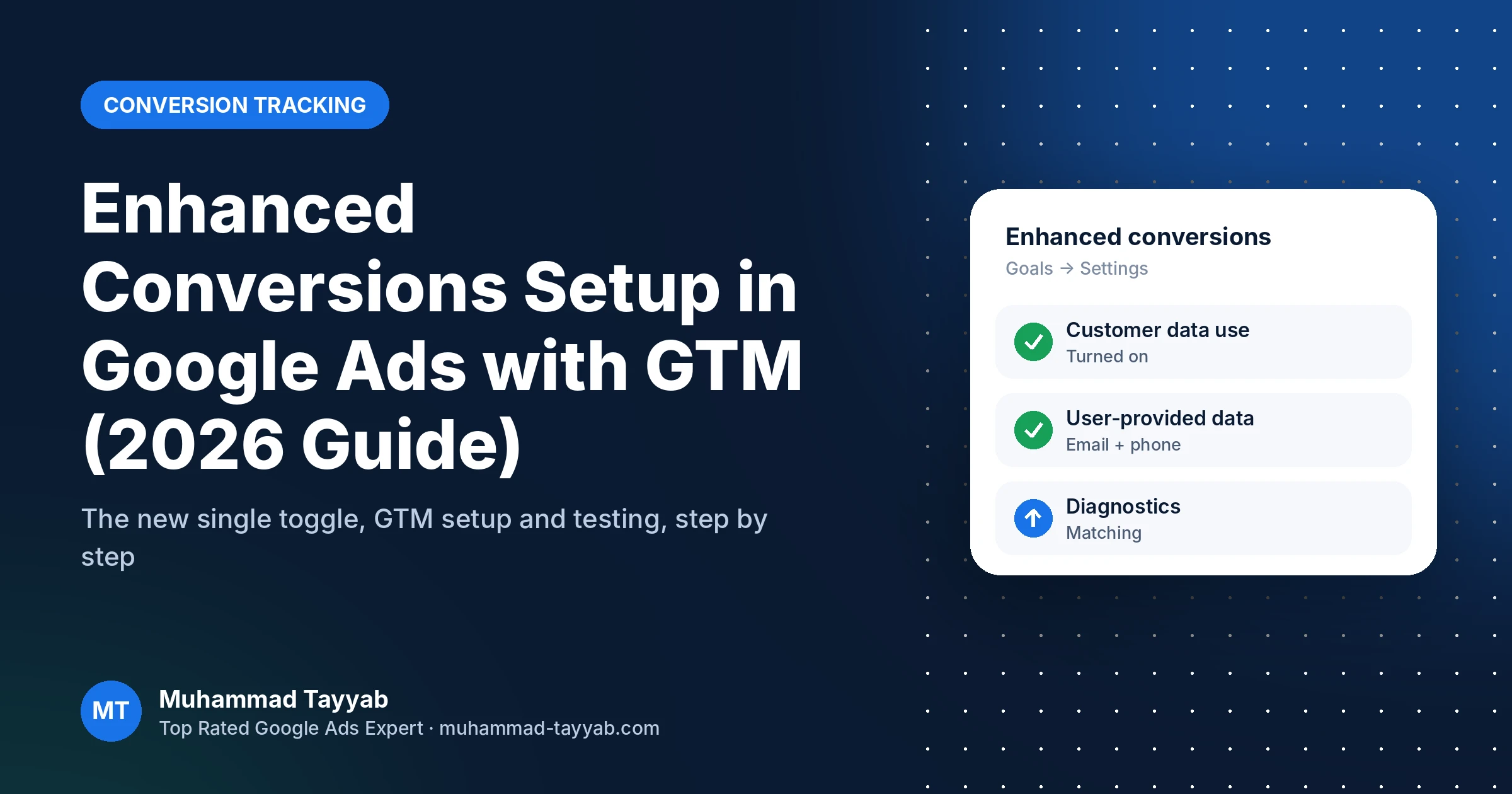
Quick answer: to complete an enhanced conversions setup, turn on enhanced conversions in Google Ads (Goals → Settings → Customer data use), accept the customer data terms, and make sure your Google tag or Google Tag Manager sends hashed customer details such as email and phone with each conversion. Then check the diagnostics after 48 to 72 hours. Since mid-2026, Google uses one switch for both web and lead conversions, so the setup is simpler than it used to be.
Enhanced conversions are one of the easiest wins I see in audits. Many accounts still miss them, even though they help Google match more conversions to ad clicks when cookies are blocked or users switch devices. In this guide I’ll walk through the enhanced conversions setup I use with GTM, step by step.
What enhanced conversions actually do
When someone converts on your site, the form or checkout usually collects an email or phone number. Enhanced conversions send that data, hashed with SHA-256, together with the conversion. Google then matches it against signed-in Google accounts. As a result, conversions that would have been lost to cookie limits can still be credited to the right ad.
In practice, this means two things for you:
- More complete reporting: fewer “missing” conversions in Google Ads compared with your CRM or store.
- Better bidding: Smart Bidding, Performance Max and AI Max learn from more real conversions.
What changed in 2026
- One toggle: Google has merged “enhanced conversions for web” and “enhanced conversions for leads” into a single setting. You turn it on at account level, and can override it for a single conversion action.
- Several data sources at once: Google Ads now accepts user-provided data from your website tag, Data Manager and the API together, instead of making you pick one method.
- Data Manager: Google’s central tool for customer and offline data. Google has announced that from November 16, 2026 it no longer requires pre-hashed uploads, because data is encrypted and processed in a secure environment.
Read Google’s own explanation in the enhanced conversions help article.
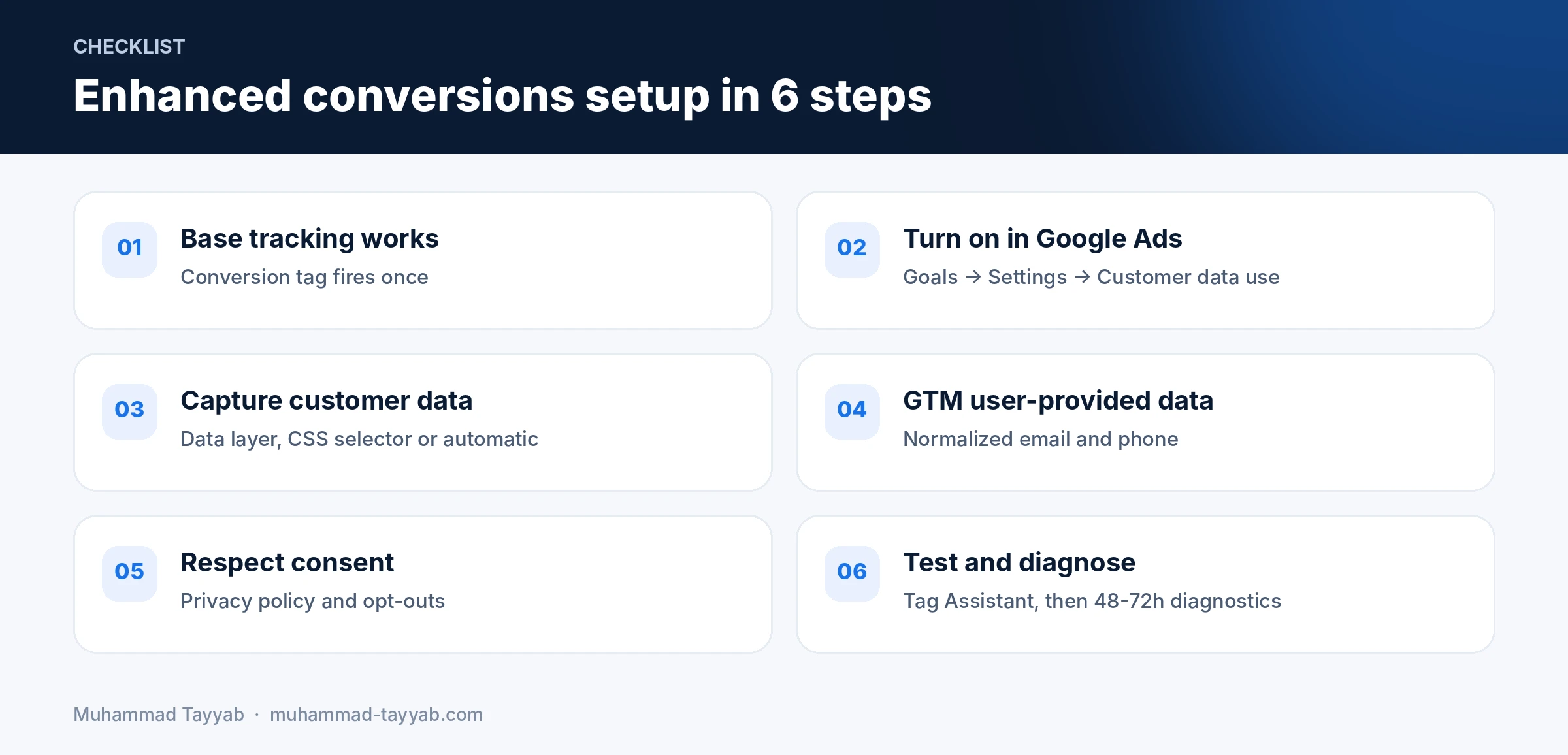
Enhanced conversions setup with GTM: step by step
Step 1: Make sure basic conversion tracking works
Enhanced conversions add to your tracking; they don’t replace it. So first confirm your Google Ads conversion tag fires once per real conversion. If it doesn’t, fix that first with my guide on Google Ads conversion tracking not working.
Step 2: Turn on enhanced conversions in Google Ads
Go to Goals → Settings, open Customer data use and switch enhanced conversions on. Next, accept the data processing terms. Existing users who had already accepted are usually migrated automatically, but I always check the setting is really on.
Step 3: Capture the customer data on your site
The tag needs access to the email or phone number at the moment of conversion. There are three common ways:
- Data layer (best): your developer pushes the email and phone into the data layer on the thank-you page or after a successful form submission.
- CSS selectors: GTM reads the value from a form field or the order confirmation page. It works, but it breaks if the page design changes.
- Automatic collection: Google tries to detect email fields itself. It’s the fastest option, but also the least reliable.
Step 4: Add a user-provided data variable in GTM
In GTM, create a User-Provided Data variable and map email, phone, name and address to your data layer variables. Then, in your Google Ads conversion tag, tick “Include user-provided data from your website” and select that variable. Normalize the data first: lowercase emails, remove spaces, and use the international format for phone numbers.
Step 5: Respect consent
Enhanced conversions must follow your privacy policy and consent setup. In the US, follow your state privacy laws and honor opt-outs; if you also get visitors from the UK or EU, Consent Mode v2 should control when the data is sent. Also, update your privacy policy to mention that you share hashed data with Google for advertising measurement.
Step 6: Test and check diagnostics
Use GTM Preview and Tag Assistant to confirm the user-provided data is attached to the conversion hit. Then, after 48 to 72 hours, open the conversion action’s Diagnostics tab in Google Ads. It shows whether enhanced conversions are recording and how well the data matches.
Common enhanced conversions setup mistakes
- Sending the email from a field on a different page than the conversion page, so the value is empty.
- Formatting phone numbers without the country code.
- Turning the setting on in Google Ads but never passing data from the site.
- Collecting data before consent is given in regions where consent is required.
Need hands-on help? I offer conversion tracking setup with GA4 and GTM and a free $600 Google Ads audit delivered in 1 day, for businesses in the US, UK, Canada and Australia. See all services →
Frequently asked questions
Are enhanced conversions safe for privacy?
The data is hashed before it’s sent, and Google uses it only for matching and measurement under its customer data terms. Still, you need a clear privacy policy and proper consent handling.
Do I need enhanced conversions for lead generation?
Yes, especially if you later upload offline conversions from your CRM. The same email or phone helps Google connect a closed deal back to the ad click.
How long until I see an impact?
Diagnostics usually update within a few days. The effect on bidding builds over a few weeks as Google learns from the extra matched conversions.
Want enhanced conversions set up properly?
I’m Muhammad Tayyab, a Top Rated Google Ads and conversion tracking expert with 8+ years of experience. I set up GA4, GTM, enhanced conversions and Consent Mode for ecommerce and lead-gen businesses. Start with my conversion tracking checklist, see my case studies, or claim a free Google Ads audit.