
AI Max for Search: Was Your Google Ads Campaign Upgraded? What to Check Now
By Muhammad Tayyab, Top Rated Google Ads Expert · Updated November 2026
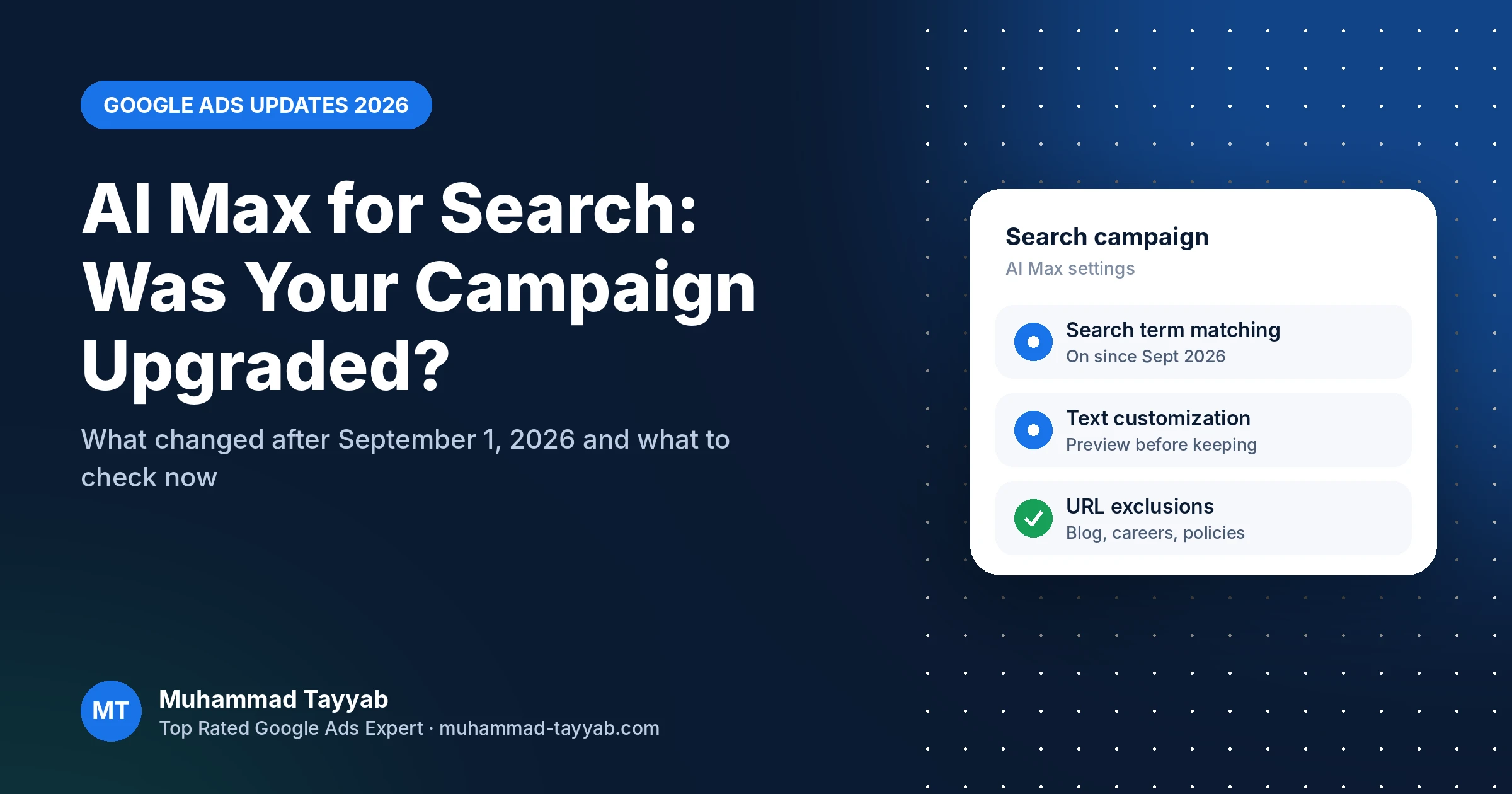
Quick answer: AI Max for Search is Google’s set of AI features for Search campaigns: broader search term matching, AI-written ad text and automatic landing page selection. Since September 1, 2026, Google has automatically upgraded many Search campaigns to AI Max. If your campaign used automatically created assets or campaign-level broad match, check it today, because it may be spending on new searches and showing ad copy you never wrote.
In the last few weeks, almost every account I’ve opened has had at least one campaign quietly switched to AI Max. Some are doing well. Others are spending on searches the client would never pick. So this guide explains what AI Max for Search actually does, what changed, and the checklist I use on every upgraded campaign.
What is AI Max for Search?
AI Max isn’t a new campaign type. Instead, it is a set of features you switch on inside a normal Search campaign. It has three parts:
- Search term matching: Google uses your keywords, ads and landing pages to match broader, related searches. Think of it as broad match plus.
- Text customization: Google writes extra headlines and descriptions based on your website and existing ads.
- Final URL expansion: Google picks the landing page on your site it thinks fits the search best.
Google says advertisers who use the full feature set see around 7% more conversions at a similar cost per action. That’s Google’s own data, though, so treat it like any vendor claim and test it in your account. You can read Google’s documentation on reporting in AI Max for Search campaigns.
What changed in 2026
- April 2026: AI Max for Search came out of beta.
- September 1, 2026: Google started automatically upgrading Search campaigns. Campaigns with automatically created assets got search term matching and text customization. Campaigns with campaign-level broad match got search term matching.
- Dynamic Search Ads: new DSA campaigns can no longer be created, and existing DSA campaigns are scheduled to move to AI Max from February 2027.
- October 2026: you can now preview up to 10 AI-written headlines and descriptions before turning text customization on, and a new search terms and ad combinations report shows which search, ad text and landing page served together.
- AI Mode: Google has confirmed that standard exact and phrase match keywords can also show text ads in AI Mode for direct queries, so you don’t need AI Max just to appear there.
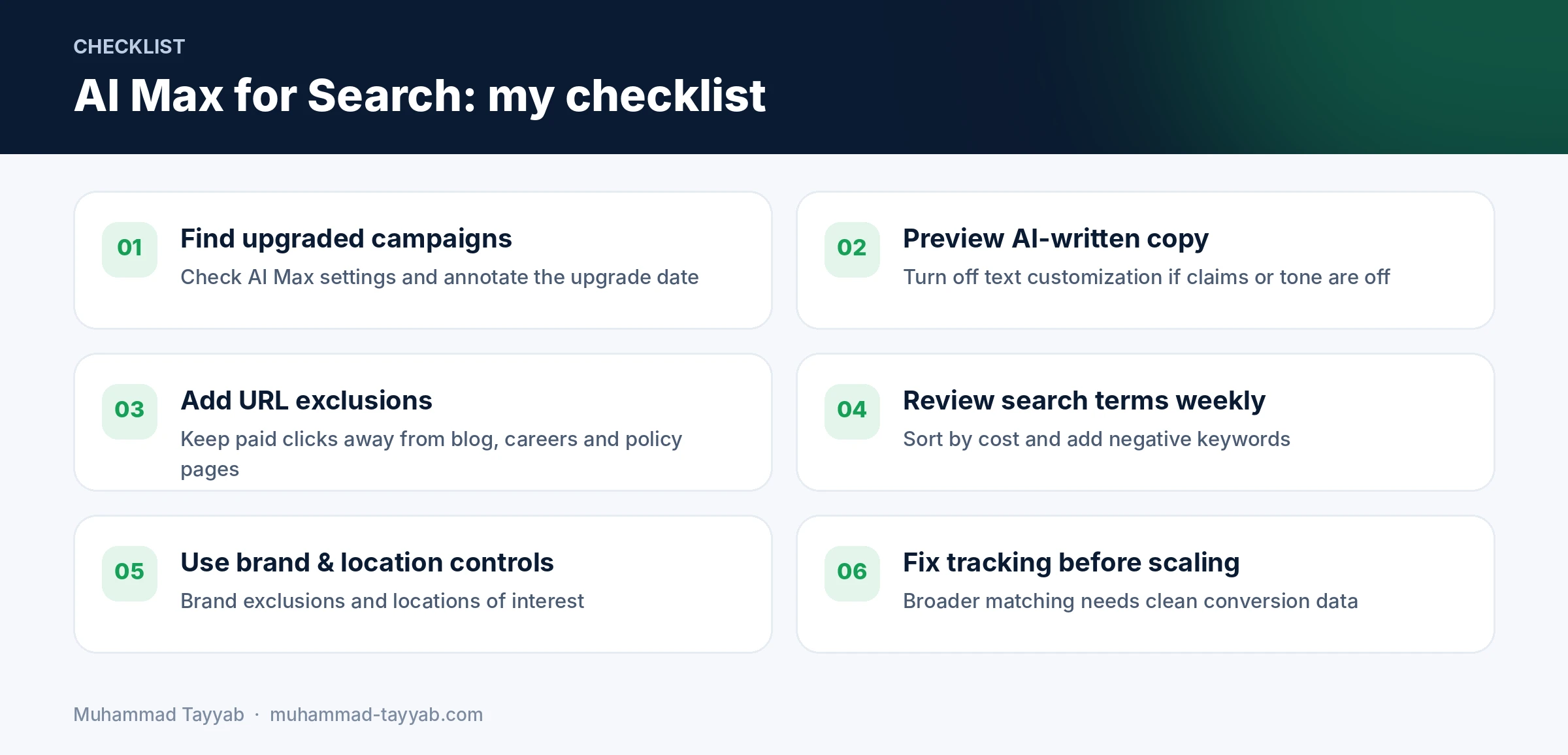
My AI Max for Search checklist
1. Find out which campaigns were upgraded
Open each Search campaign’s settings and look for the AI Max section. Write down which features are on. Also add an annotation for the upgrade date so you can compare before and after.
2. Preview the AI-written copy
Use the text customization preview. If the copy makes claims you can’t back up, uses the wrong tone, or mentions services you don’t offer, switch text customization off for that campaign. This matters even more in regulated industries like healthcare, legal and finance.
3. Add URL exclusions
With final URL expansion on, Google can send paid clicks to your blog, careers page or privacy policy. Therefore, add URL exclusions for any page that shouldn’t receive ad traffic, or turn the feature off and keep control.
4. Check search terms every week for a month
Sort the search terms report by cost. Add negative keywords for anything irrelevant, especially “free”, “jobs”, “DIY”, “course” and competitor names you don’t want.
5. Use brand and location controls
AI Max supports brand inclusions and exclusions, plus locations of interest. If you run a separate brand campaign, exclude your brand here so AI Max doesn’t take credit for searches you would win anyway.
6. Make sure conversion tracking is solid
Broader matching only works if Google knows what a good conversion looks like. If your tracking is shaky, AI Max will chase cheap, low-quality leads. Before scaling, read my guide on fixing Google Ads conversion tracking that’s not working.
Should you keep AI Max on?
My honest view after testing it across lead-gen and ecommerce accounts:
- Keep it on when you have reliable conversion tracking, at least 30 conversions a month in the campaign, and a website with clear, accurate pages.
- Be careful with small budgets (under roughly $30 a day), local service businesses with tight service areas, and accounts where lead quality varies a lot.
- Run it as an experiment if you’re unsure. Google Ads experiments let you test AI Max against your current setup with a 50/50 split.
In short, AI Max isn’t good or bad. It is a tool, and like Performance Max, it works best when you set clear guardrails.
Need hands-on help? I offer Google Ads lead generation for service businesses and a free $600 Google Ads audit delivered in 1 day, for businesses in the US, UK, Canada and Australia. See all services →
Frequently asked questions
Can I turn off AI Max for Search?
Yes. You can switch off search term matching, text customization and final URL expansion in the campaign settings. Each feature can be controlled separately.
Does AI Max replace keywords?
No. Your keywords still matter, because they are one of the main signals AI Max uses to find related searches. Clean, well-themed keyword lists give better results.
What happens to my Dynamic Search Ads?
Google plans to move existing DSA campaigns to AI Max starting in February 2027. It’s smart to test AI Max on a DSA-style campaign before then, so the switch doesn’t surprise you.
Want a second opinion on your AI Max settings?
I’m Muhammad Tayyab, a Top Rated Google Ads expert on Upwork and Fiverr with 8+ years of experience managing Search, Performance Max and Shopping campaigns. I’ll check which campaigns were upgraded, what the AI is writing, and where the budget is going. See my Google Ads case studies, read client reviews, or claim a free Google Ads audit.