
Google Ads Conversion Tracking with GA4 & GTM: A Practical Setup Checklist
By Muhammad Tayyab, Top Rated Google Ads Expert · Updated October 2026
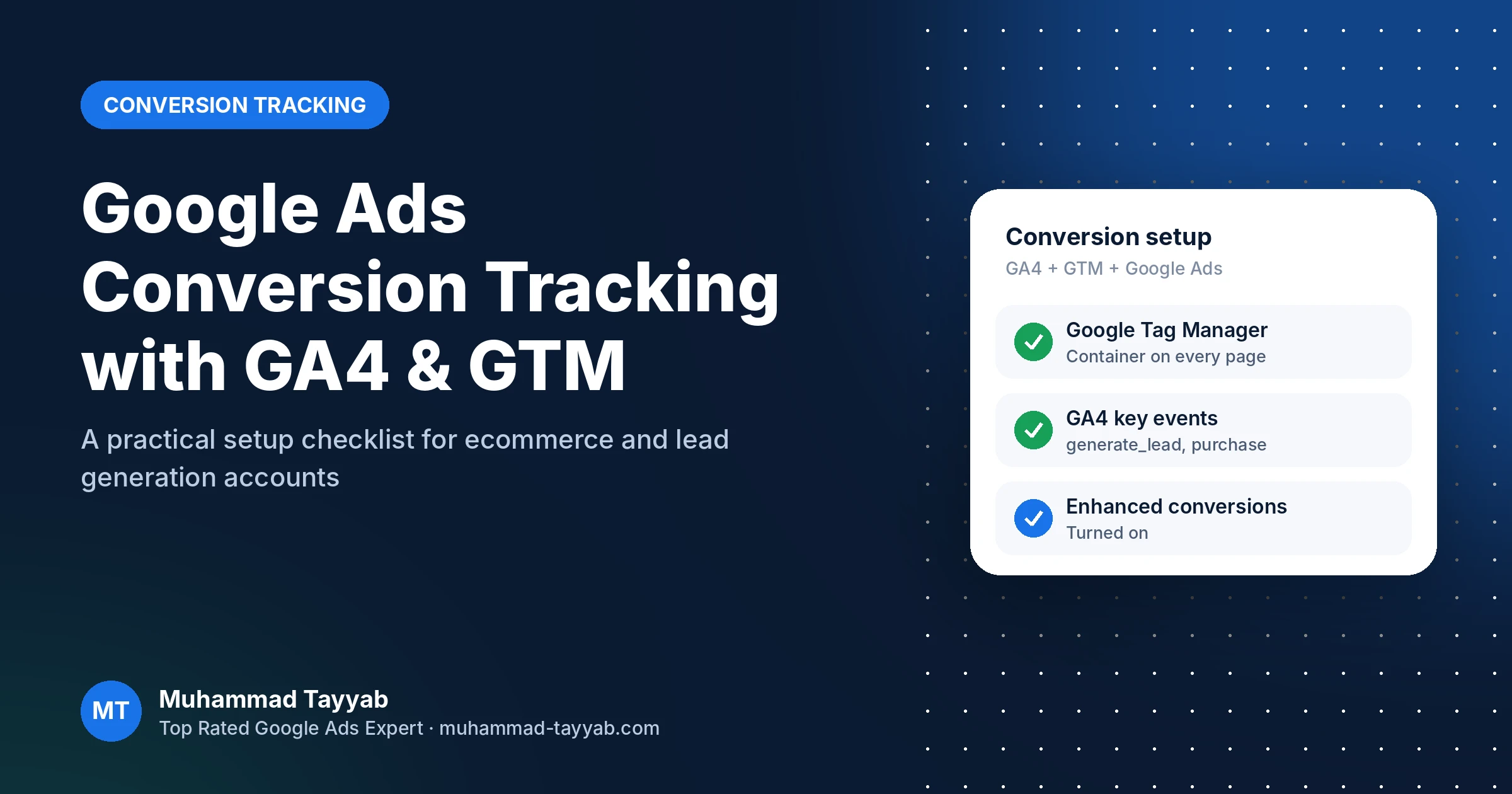
Google Ads conversion tracking is the foundation of every account I manage, because Smart Bidding is only as good as your conversion data. If conversions are missing, duplicated or counting the wrong actions, Google optimizes for the wrong thing and your cost per lead or ROAS suffers. This is the checklist I use when I set up or audit conversion tracking with GA4 and Google Tag Manager.
Why Google Ads conversion tracking matters even more in 2026
Google Ads is more automated than ever. AI Max for Search, Performance Max and Demand Gen all decide who sees your ads based on the conversions you send back. In 2026 Google has also pushed hard on first-party data: enhanced conversions, Consent Mode v2, the Google tag gateway and the Data Manager tool for uploading customer and offline data. Clean tracking is no longer a “nice to have”. It is the main lever you still control.
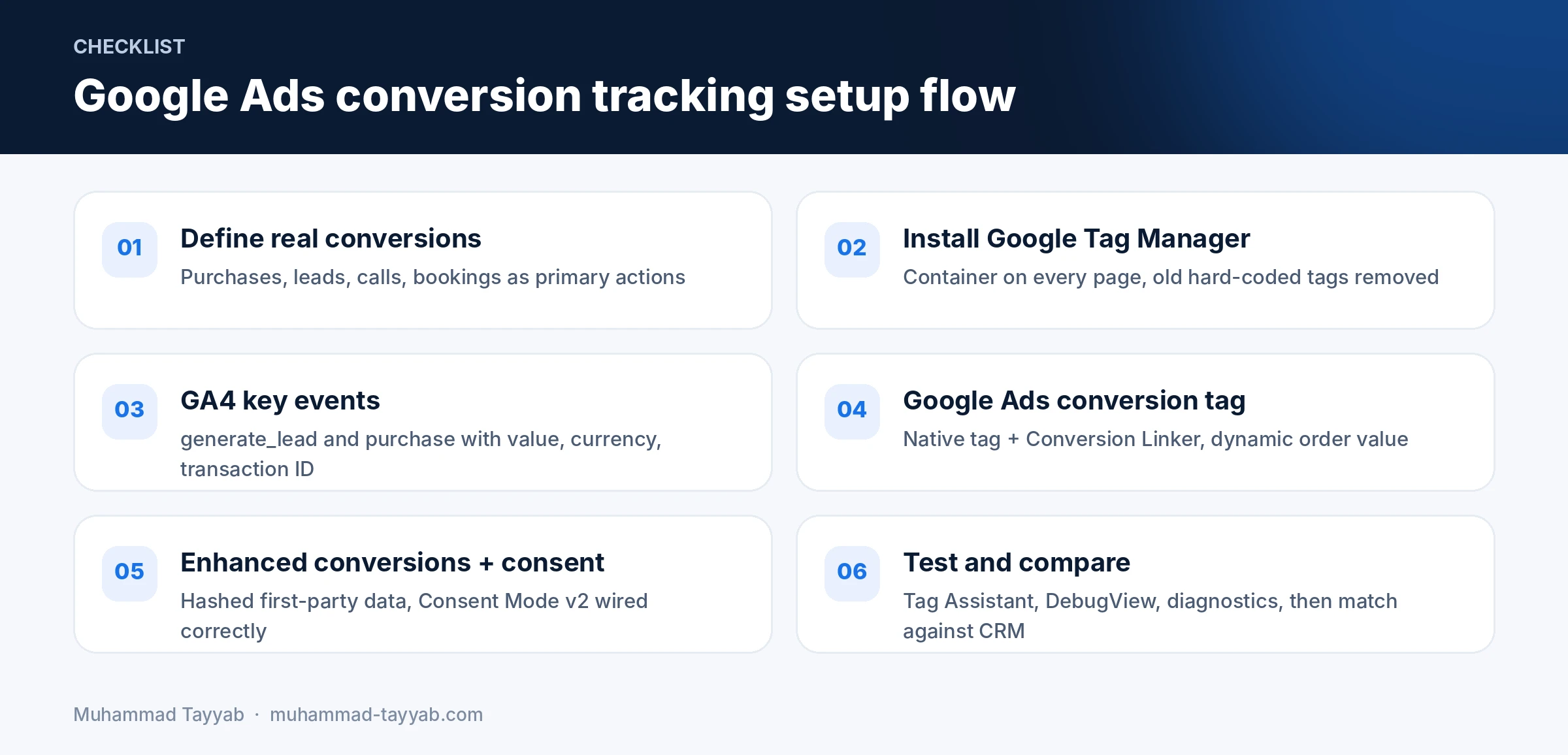
1. Decide what a Google Ads conversion actually is
Before touching any tags, list the actions that make you money:
- Ecommerce: purchases with real revenue values.
- Lead generation: form submissions, phone calls from ads, calls from the website, booked appointments.
Only these should be primary conversions in Google Ads. Page views, scrolls and button clicks can be tracked, but as secondary actions.
2. Install Google Tag Manager correctly
- Add the GTM container code to every page, in the head and right after the opening body tag.
- Remove old hard-coded Google Ads or Analytics tags so you don’t double count.
- Use GTM Preview mode to confirm the container loads on every page.
3. Set up GA4 and key events
- Create a GA4 tag in GTM using your Measurement ID.
- Send events like generate_lead and purchase with the right parameters (value, currency, transaction ID).
- Mark the important events as key events in GA4.
4. Add Google Ads conversion tags
For the most reliable data, I use the native Google Ads conversion tag in GTM for primary conversions, plus the Conversion Linker tag. For ecommerce, pass the dynamic order value and transaction ID to prevent duplicates.
5. Track phone calls
- Call assets for calls directly from ads.
- Website call conversions using a Google forwarding number for calls after clicking an ad.
- Click-to-call tracking on mobile as a secondary signal.
6. Use enhanced conversions where it fits
Enhanced conversions send hashed customer data (like email) with the conversion, which helps Google match more conversions to ad clicks. Make sure your privacy policy and consent setup cover it.
7. Test your Google Ads conversion tracking before you trust it
- Submit a real test form and make a test purchase.
- Check GTM Preview, GA4 DebugView and the Google Ads conversion diagnostics.
- Compare Google Ads conversions to your CRM or store orders after a week. Big gaps mean something is still wrong.
Common conversion tracking mistakes
- Counting both the GA4 import and the Google Ads tag as primary for the same action, which doubles conversions.
- Thank-you pages that can be reloaded or visited directly.
- Purchases tracked with a fixed value instead of the real order value.
- Micro-conversions like page views set as primary, so Smart Bidding chases cheap clicks.
If a conversion action shows as unverified or inactive, Google’s guide on troubleshooting conversion actions with Tag Assistant is a good place to start.
Need hands-on help? I offer conversion tracking setup with GA4 and GTM and Meta Ads audits including Pixel and Conversions API, for businesses in the US, UK, Canada and Australia. See all services →
Frequently asked questions
Should I import GA4 conversions or use the Google Ads tag?
Either can work, but don’t use both as primary for the same action. For bidding, I usually prefer the native Google Ads tag for primary conversions and keep GA4 for analysis.
How do I know my tracking is broken?
Signs include conversions suddenly dropping to zero, conversion counts far higher than real leads or orders, or a “No recent conversions” status in Google Ads.
Do I need conversion tracking for Shopping and Performance Max?
Yes. Without purchase tracking and real order values, ROAS bidding has nothing to learn from. If your Shopping ads are blocked by a suspension, fix that first with my Merchant Center misrepresentation guide.
Want your tracking checked?
I’m Muhammad Tayyab, a Top Rated Google Ads and conversion tracking expert with 8+ years of experience. I set up and fix GA4, GTM and Google Ads tracking for ecommerce and lead-gen businesses. Get a free Google Ads audit or read my case studies.