
Google Ads Conversion Tracking Not Working? 10 Causes and How to Fix Them
By Muhammad Tayyab, Top Rated Google Ads Expert · Updated October 2026
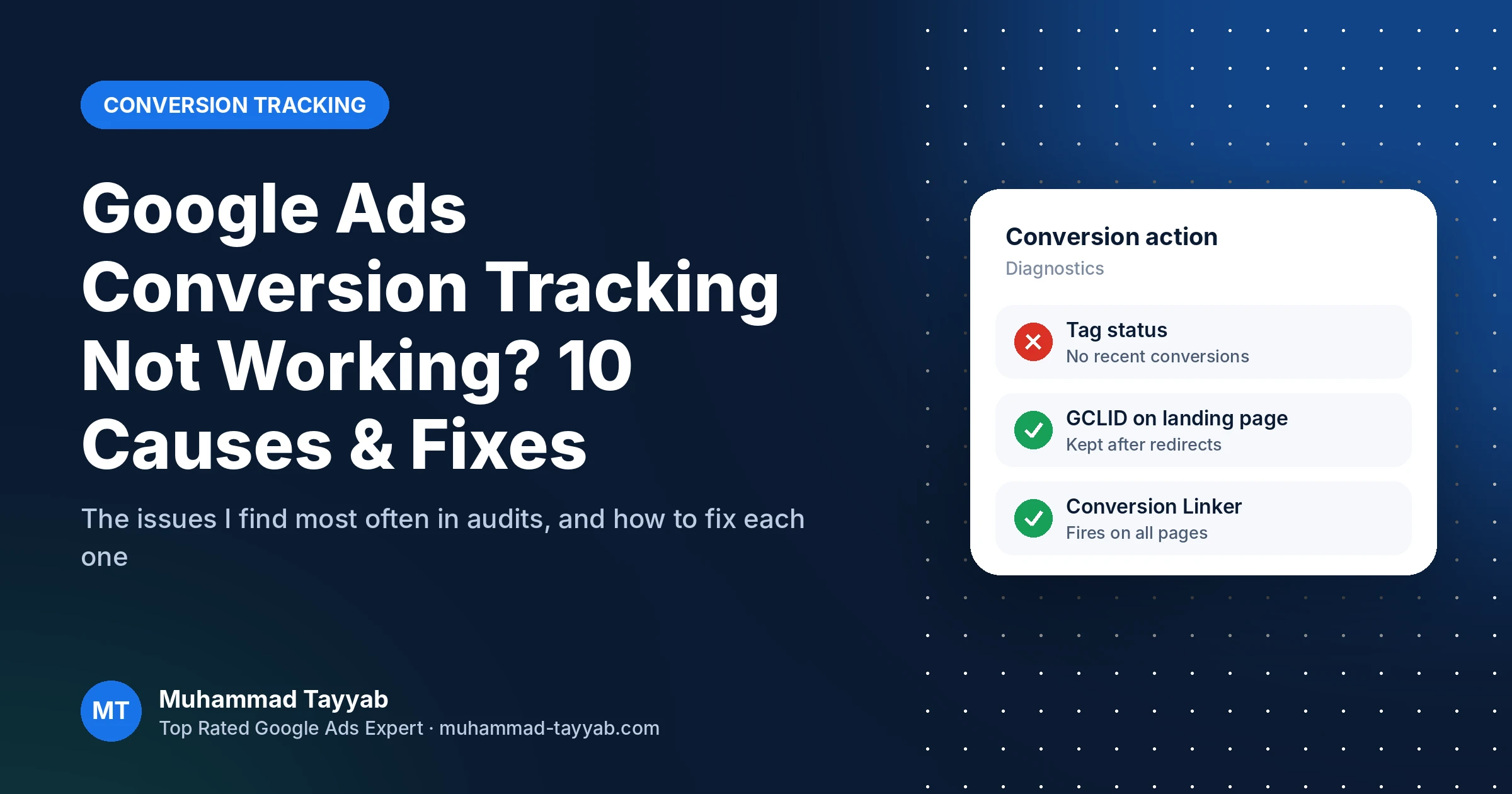
Quick answer: when Google Ads conversion tracking is not working, the cause is almost always one of three things: the tag doesn’t fire on the real conversion, the click ID (GCLID) gets lost before the conversion, or the conversion action is set up wrong inside Google Ads. Below are the 10 causes I find most often in audits, and exactly how I fix each one.
I audit a lot of Google Ads accounts every month. Honestly, broken tracking is the problem I see more than any other, and it’s also the most expensive one. Smart Bidding, Performance Max and AI Max all learn from your conversions. So when the data is wrong, Google spends your budget on the wrong people, and nobody notices for weeks.
First, check what Google Ads is telling you
Go to Goals → Summary and look at the status of every conversion action. Then open the action and check the Diagnostics tab. In short, these are the statuses that matter:
- Unverified: Google has never seen the tag fire. Usually the tag isn’t installed or the trigger is wrong.
- No recent conversions: the tag works, but no conversion has been recorded for a while. Either something broke, or you really have no conversions.
- Inactive: nothing has been recorded for a long time. Treat it like a broken tag.
Google also has a helpful guide on troubleshooting unverified or inactive conversion actions with Tag Assistant. With that in mind, here are the real-world causes.
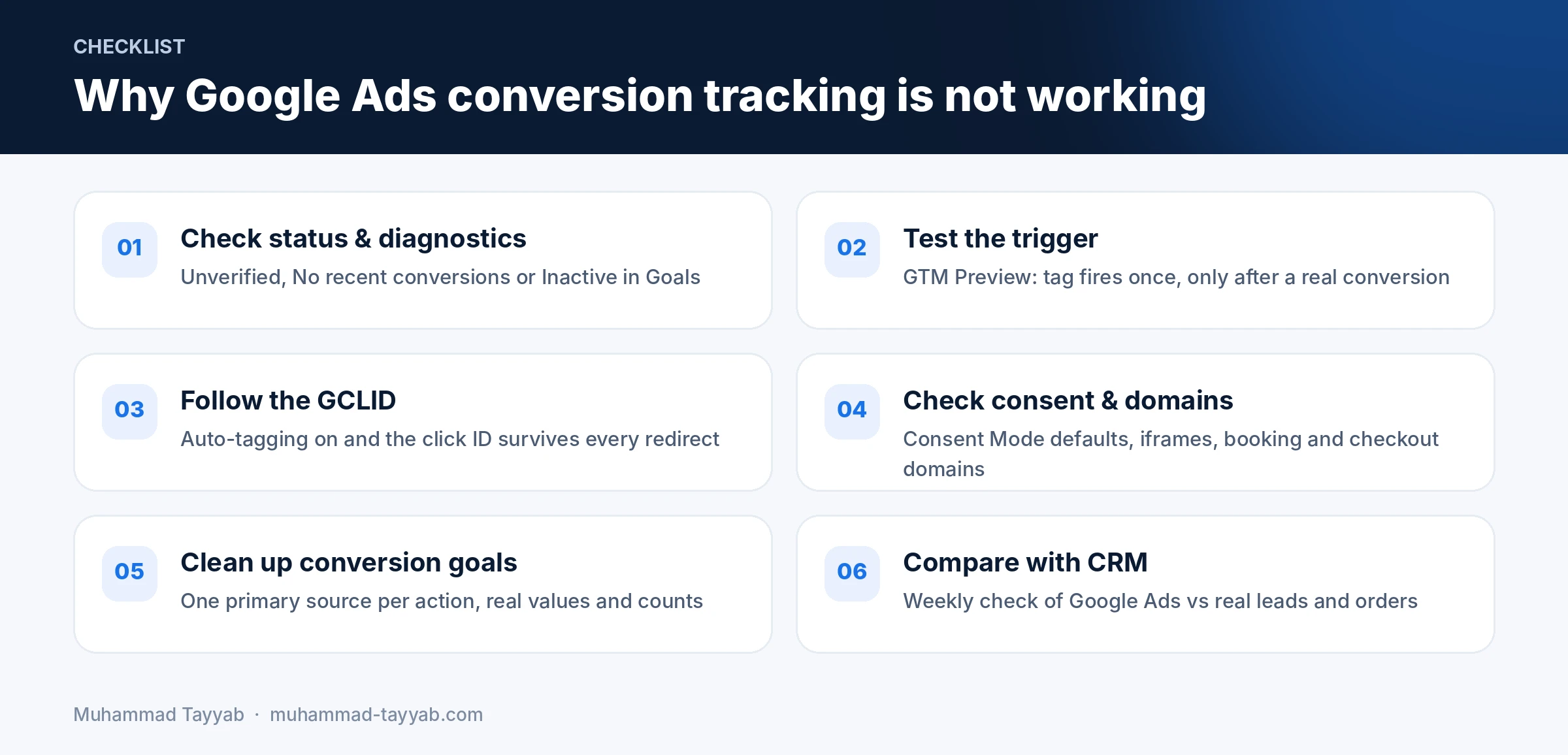
10 reasons your Google Ads conversion tracking is not working
1. The tag fires on the wrong page or trigger
This is number one by far. For example, the conversion tag fires on “all pages” instead of the thank-you page, or the form submits with AJAX and the thank-you page never loads. Fix: use GTM Preview and submit a real test lead. Then make sure the tag fires once, only after a successful submission. For AJAX forms, trigger on a dataLayer event or element visibility of the success message, not on a button click.
2. Auto-tagging is off or the GCLID is stripped
Google Ads needs the GCLID in the landing page URL to connect a conversion to a click. However, I often find auto-tagging switched off, or a redirect (http to https, www to non-www, or a “pretty URL” plugin) that removes the parameter. Fix: turn on auto-tagging in Account settings, click your own ad and confirm the URL still contains the gclid parameter after every redirect.
3. The Conversion Linker tag is missing
If you use Google Tag Manager, the Conversion Linker stores click information in first-party cookies. Without it, many conversions simply never get attributed. Fix: add a Conversion Linker tag that fires on all pages. It takes one minute.
4. Consent Mode is blocking the tags
Since Consent Mode v2 became required for EEA and UK traffic, I see more sites where the cookie banner blocks Google tags completely. As a result, conversions from users who decline cookies disappear instead of being modelled. Fix: use a certified consent platform, set default consent states correctly, and consider advanced Consent Mode so Google can model the missing conversions.
5. The conversion happens on another domain
Booking tools, Calendly, payment pages and third-party checkouts often live on another domain or inside an iframe. The tag on your site never sees the conversion. Fix: set up cross-domain measurement, use the tool’s own Google integration, or send the conversion from your CRM with offline conversion imports.
6. Shopify checkout changes
Shopify has moved away from old “additional scripts” on the order status page in favor of the Google & YouTube app and customer events. In addition, Google has started letting eligible Shopify stores sell directly inside AI Mode and Gemini, so some orders may never touch your thank-you page. Fix: track purchases through the official Google & YouTube app or a properly built customer events pixel, and compare Google Ads purchases with Shopify orders every week.
7. GA4 import and the Google Ads tag both count as primary
This one doesn’t break tracking, it doubles it. When the imported GA4 event and the native Google Ads tag are both primary for the same action, every lead is counted twice. Consequently, your CPA looks great and Smart Bidding learns from fake numbers. Fix: keep one primary source per action and set the other to secondary.
8. The wrong actions are in your conversion goals
Google Ads only bids on actions included in the campaign’s goals. I regularly find page views or button clicks set as primary, while the real lead form is secondary. Fix: review Goals, and make only real business outcomes primary.
9. Count, value and window settings are wrong
Lead forms should usually count one conversion per click, purchases every conversion. Also, a purchase tracked with a fixed value of 1 makes ROAS bidding useless. Fix: pass the real order value, currency and transaction ID, and pick a conversion window that matches your sales cycle.
10. You are looking too early
Conversions are reported by click date, and some arrive days later. A brand-new conversion action can also take a few hours to show anything. So, before you change anything, give it at least 24 to 72 hours and check the “Conversions (by conv. time)” column too.
New in 2026: tracking changes to know about
- Enhanced conversions are now close to standard. They send hashed first-party data, like email, with the conversion and help Google match more conversions to clicks.
- Data Manager is Google’s central tool for customer and offline data. Google has announced that from November 16, 2026 it will no longer require you to pre-hash uploaded data, so check any custom upload process you use.
- Google tag gateway lets you serve Google tags from your own domain, which helps recover signal lost to browser restrictions.
If you are building tracking from scratch, follow my Google Ads conversion tracking setup checklist with GA4 and GTM first.
Need hands-on help? I offer conversion tracking setup with GA4 and GTM and a free $600 Google Ads audit delivered in 1 day, for businesses in the US, UK, Canada and Australia. See all services →
Frequently asked questions
Why does Google Ads show fewer conversions than my CRM?
Some gap is normal because of consent choices, ad blockers, cross-device journeys and attribution windows. However, if the gap is more than about 20 to 30 percent, something in the setup usually needs fixing.
Why does Google Ads show more conversions than real leads?
Usually duplicate counting: two primary actions for the same lead, a thank-you page that fires on reload, or a “count every” setting on a lead form.
How long until a fixed conversion tag shows data?
Normally within a few hours, but give it up to 72 hours before you judge it.
Need your tracking fixed?
I’m Muhammad Tayyab, a Top Rated Google Ads and conversion tracking expert with 8+ years of experience. I fix GA4, GTM, enhanced conversions and call tracking for ecommerce and lead-gen businesses across the USA. See my case studies, read client reviews, or claim a free Google Ads audit and I’ll check your tracking for you.