
Performance Max Setup for Ecommerce: The 2026 Guide with New Controls
By Muhammad Tayyab, Top Rated Google Ads Expert · Updated November 2026
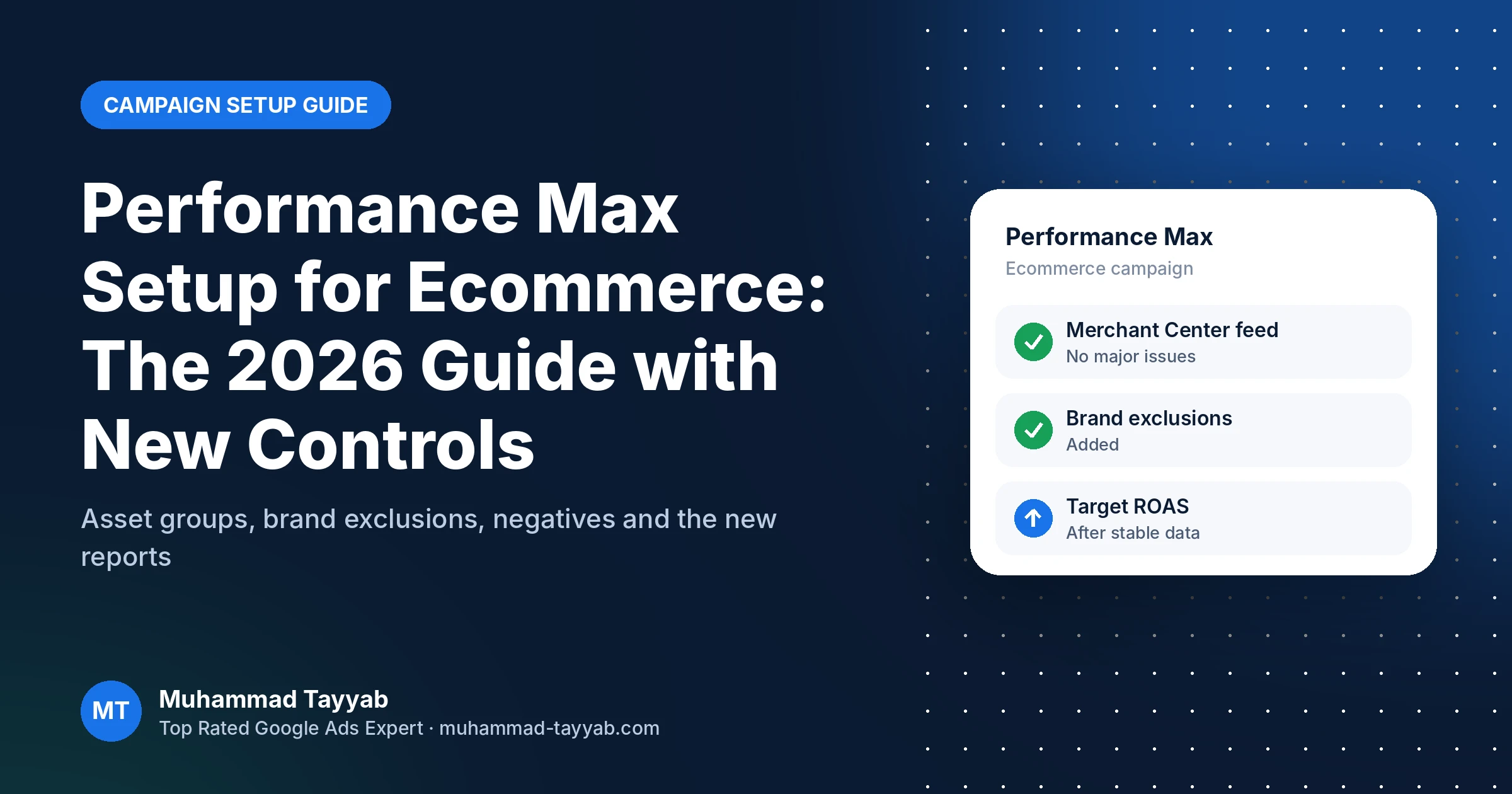
Quick answer: a good Performance Max setup for ecommerce in 2026 starts with a clean Merchant Center feed and solid purchase tracking. From there, build asset groups by product category or margin, add brand exclusions and negative keywords, and check the new channel report every month. Performance Max is no longer a black box, but only if you switch on the controls Google has added.
I manage Performance Max for US ecommerce stores every week. Two years ago, PMax felt like handing Google your wallet. Today it’s much better, because we finally have negatives, brand exclusions, channel reporting and asset testing. Here is the exact Performance Max setup I use for ecommerce.
Before you start: three things PMax needs
- A healthy Merchant Center feed: no major disapprovals, good titles, real GTINs and sharp images. If you have errors, start with my guide on Merchant Center product disapprovals.
- Purchase tracking with real values: order value, currency and transaction ID on every purchase. Enhanced conversions help too.
- Enough budget: PMax learns from conversions. In my experience, it struggles below about 30 conversions a month per campaign.
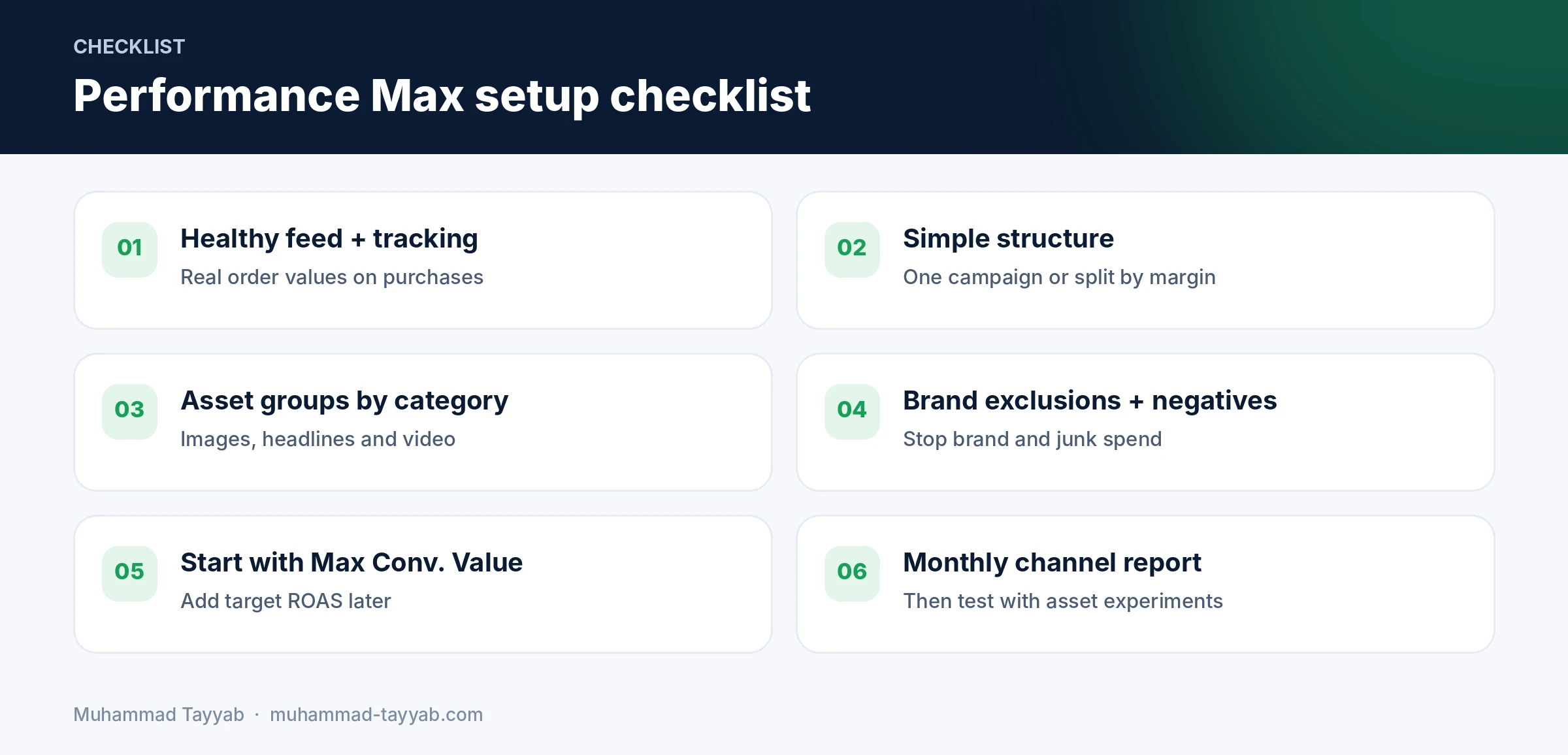
Performance Max setup: step by step
1. Choose the right campaign structure
Fewer campaigns usually work better, because each one gets more data. I typically start with one PMax campaign for the whole catalog, or split by margin (high-margin vs low-margin products) when ROAS targets differ a lot. Brand-new stores with few sales can start with Standard Shopping first and add PMax later.
2. Build asset groups by category
Create asset groups around product categories, for example “Dresses”, “Shoes” and “Accessories”, using listing group filters. Each group gets its own headlines, images and videos that match those products. In addition, add audience signals: your customer list, website visitors and search themes describing what people search for.
3. Add strong creative, including video
Give every asset group at least 5 good images, several headlines and at least one video. If you don’t upload a video, Google may create one from your images. Also check the new asset optimization settings: Google can now pull videos from your social channels and images from your landing pages, and some of these are switched on by default. Turn off anything that doesn’t fit your brand.
4. Set brand exclusions and negative keywords
If you already run a brand Search campaign, add a brand exclusion to PMax so it doesn’t take credit for people who were already looking for you. Then add a negative keyword list at campaign level. Google now allows thousands of campaign-level negatives in PMax, so block terms like “free”, “jobs”, “used” or anything irrelevant to your products.
5. Choose bidding: start simple
For a new campaign, start with Maximize Conversion Value without a target. After a few weeks of stable data, add a target ROAS close to what you’re actually getting. Google has also expanded Smart Bidding Exploration to Performance Max with a product feed, which lets you allow ROAS to dip slightly to find new converting searches. I test it only once the core campaign is stable.
6. Use customer acquisition goals carefully
PMax can bid higher for new customers. That’s great for growth, but only if your customer lists are correct. In 2026 Google started auto-labeling some customer lists as “new” or “existing”, so check them in Audience Manager first.
7. Check the channel report every month
The channel performance report shows how spend splits across Search, Shopping, YouTube, Display, Discover, Gmail and Maps. If most of your budget goes to Display with weak results, that’s a signal to improve your feed and creative, not to panic.
8. Test with asset experiments
Since October 2026, Performance Max supports A/B experiments for asset groups. For example, test seasonal creative against evergreen creative, or a video against no video, with a fair split.
Common Performance Max mistakes
- Launching with broken purchase tracking or a fixed conversion value.
- Running PMax and Standard Shopping on the same products without a clear plan.
- No brand exclusion, so PMax looks amazing only because it’s harvesting brand searches.
- Changing targets every few days. Google has confirmed that normal budget and target changes don’t reset learning, but constant changes still make results hard to read.
A real example
For Imani Studio, a fashion ecommerce brand, I combined Search with Performance Max Shopping campaigns, cleaned up targeting and reduced wasted spend. ROAS went from around 1x to 7.35x. You can see the dashboard on my case studies page. Results always depend on the product, margins and budget, so treat this as an example, not a promise.
For Google’s own guidance, see About Performance Max campaigns.
Need hands-on help? I offer Google Shopping and Performance Max management for eCommerce stores and Merchant Center setup and misrepresentation fixes, for businesses in the US, UK, Canada and Australia. See all services →
Frequently asked questions
Is Performance Max good for small stores?
It can be, but small stores with few conversions often do better starting with Standard Shopping and Search, then adding PMax once they have steady sales data.
How long does Performance Max take to learn?
Google now caps the official learning status at about 7 days, but I judge a new PMax campaign after 3 to 4 weeks of stable data.
Can I see search terms in Performance Max?
Yes. The search terms report and search term insights show which queries trigger your ads, so you can add negatives where needed.
Need help with Performance Max?
I’m Muhammad Tayyab, a Top Rated Google Ads expert specializing in Shopping, Performance Max and Merchant Center for ecommerce brands. Read client reviews or claim a free Google Ads audit and I’ll review your PMax setup.