
How to Fix a Google Merchant Center Misrepresentation Suspension (Step-by-Step)
By Muhammad Tayyab, Top Rated Google Ads Expert · Updated October 2026
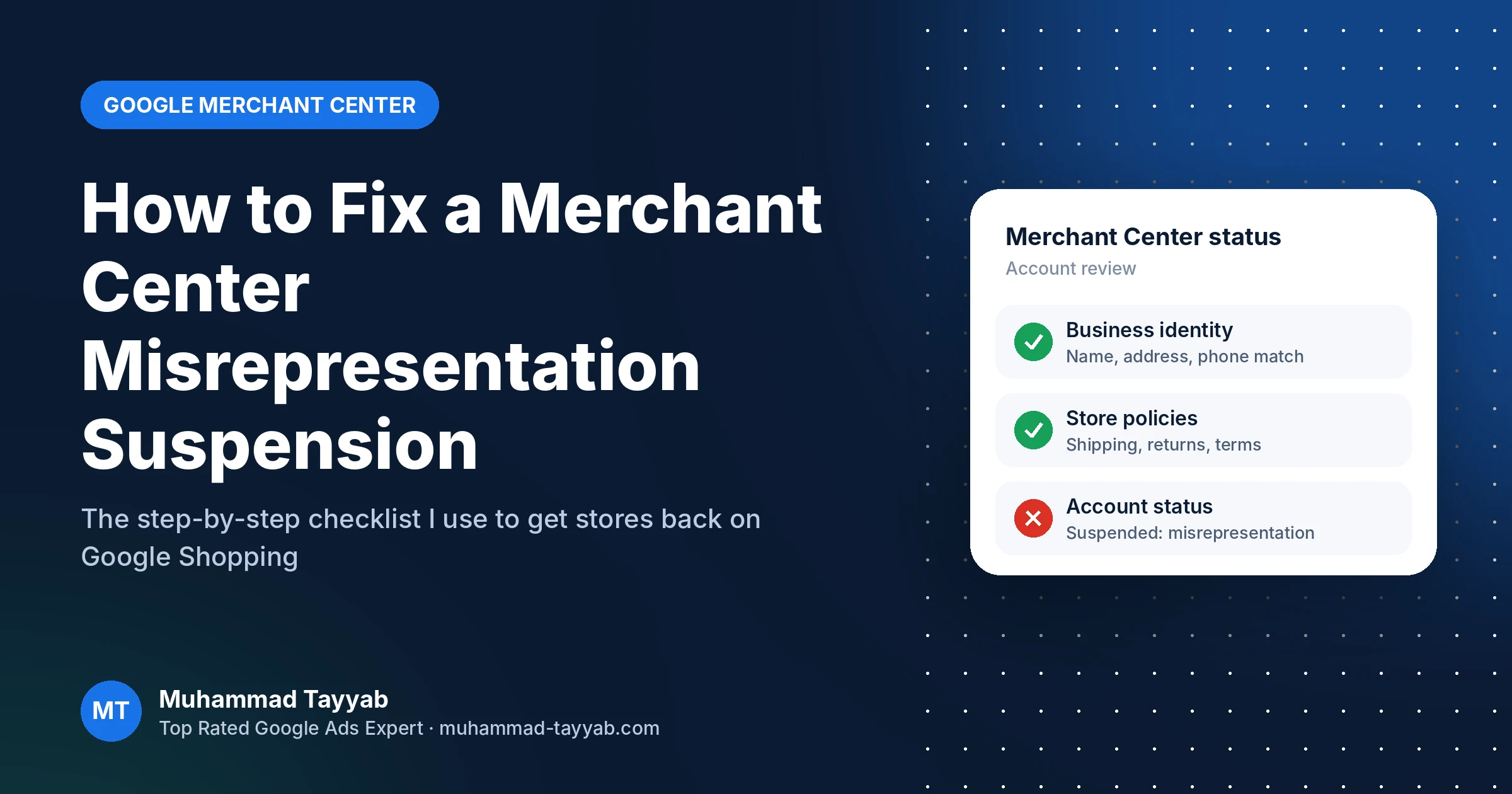
A Merchant Center misrepresentation suspension is one of the most common and stressful problems for ecommerce stores. Your products disappear from Google Shopping and Performance Max, and Google’s email rarely tells you exactly what is wrong. I fix these suspensions regularly, so below is the step-by-step process I use.
What a Merchant Center misrepresentation suspension means
Google suspends an account for misrepresentation when it doesn’t trust the business behind the website. However, it is usually not one single issue. It is a combination of missing trust signals, unclear policies, or information that doesn’t match between your website, your Merchant Center account and your Google Business Profile.
You can read Google’s own wording in the Merchant Center misrepresentation policy. Below is how I turn that policy into practical fixes.
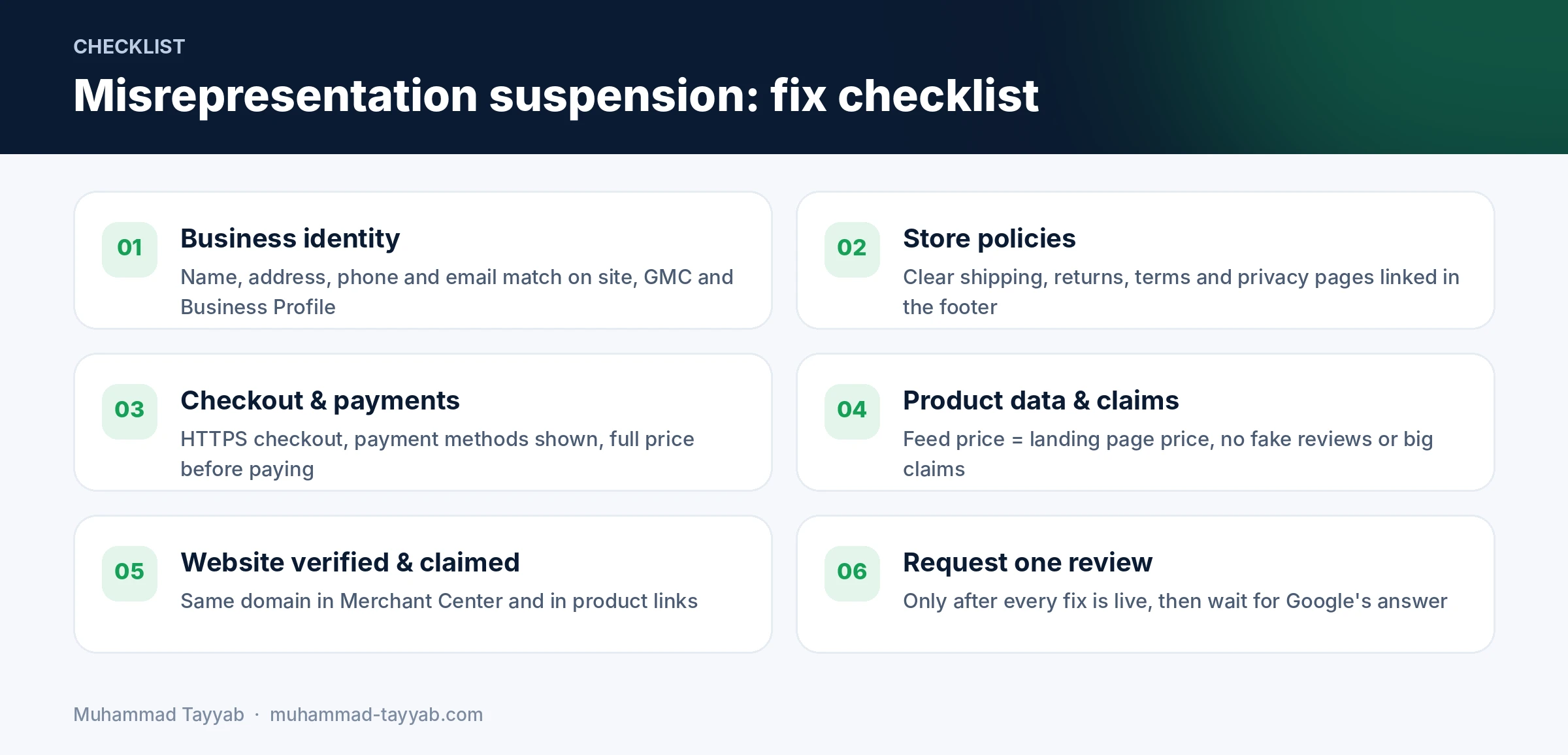
Step 1: Check your business identity
- Show a real business name, physical address, phone number and email on your Contact page.
- Make sure the business name and address match in Merchant Center, your website footer and your Google Business Profile.
- In addition, add an About Us page that explains who runs the store and where you operate.
Step 2: Fix your store policies
- Shipping policy: delivery times, costs and countries you ship to.
- Return and refund policy: return window, condition, who pays return shipping, and how refunds are issued.
- Terms of service and privacy policy: linked in the footer of every page.
- After that, configure the same shipping and return settings inside Merchant Center so they match your website.
Step 3: Review your checkout and payments
Google checks that customers can buy safely. Use a secure (HTTPS) checkout, show accepted payment methods, display the final price including taxes and shipping before payment, and remove anything that looks like a fake discount, countdown timer, or misleading claim.
Step 4: Clean up product data and claims
- Prices and availability in your feed must match the landing page exactly.
- Remove exaggerated claims like “#1 in the world”, “guaranteed results” or medical claims you can’t prove.
- Also, use real product images, not watermarked or stolen images.
- Finally, remove fake or unverifiable reviews.
Step 5: Verify and claim your website
Confirm your website is verified and claimed in Merchant Center, and that it is the same domain your products link to. Also, if you use Shopify or WooCommerce, check the Google channel app connection as well.
Step 6: Request a review once
Only request a review after everything above is fixed. Repeated review requests without real changes can lead to longer cool-down periods. If the review is rejected, however, go back through the checklist, because something is still missing.
New in 2026: avoid the next round of disapprovals
Fixing a Merchant Center misrepresentation suspension is only half the job. Once you are back, keep your feed clean so new issues don’t pull you down again:
- Product images: Google has announced that product images must be at least 500 x 500 pixels by January 31, 2027, or the product gets disapproved. See the 2026 product data specification update. I recommend 1500 x 1500 or larger.
- Promotions: Only show discounts on your site and in Merchant Center that are real and active. Expired banners are a classic trust problem.
- Conversion tracking: Once Shopping ads are live again, make sure purchases are tracked correctly, or bidding will struggle. My Google Ads conversion tracking checklist covers this.
How long does reinstatement take?
Google usually responds to a review request within a few business days, but this varies. That is why a thorough fix the first time is the fastest path back to Google Shopping.
Need hands-on help? I offer Merchant Center setup and misrepresentation fixes and Google Shopping and Performance Max management for eCommerce stores, for businesses in the US, UK, Canada and Australia. See all services →
Frequently asked questions
Can I create a new Merchant Center account to get around a suspension?
No. Creating new accounts to bypass a suspension violates Google’s policies and can make the problem worse. Instead, fix the root cause and request a review.
Does a misrepresentation suspension affect my Google Ads account?
Your Shopping and Performance Max product ads stop serving. On the other hand, Search campaigns can usually keep running, but the underlying trust issues should still be fixed.
Need help with a suspended Merchant Center account?
I’m Muhammad Tayyab, a Top Rated Google Ads and Merchant Center specialist on Upwork and Fiverr with 8+ years of experience. I diagnose the exact cause of the suspension, fix your website and feed, and handle the review request. Claim a free Google Ads & Merchant Center audit or see my client case studies.